
How it works
Add your own photos, choose a workflow and a look, and pick from two options. Here is what each workflow does.
Single swap
 OriginalExplore
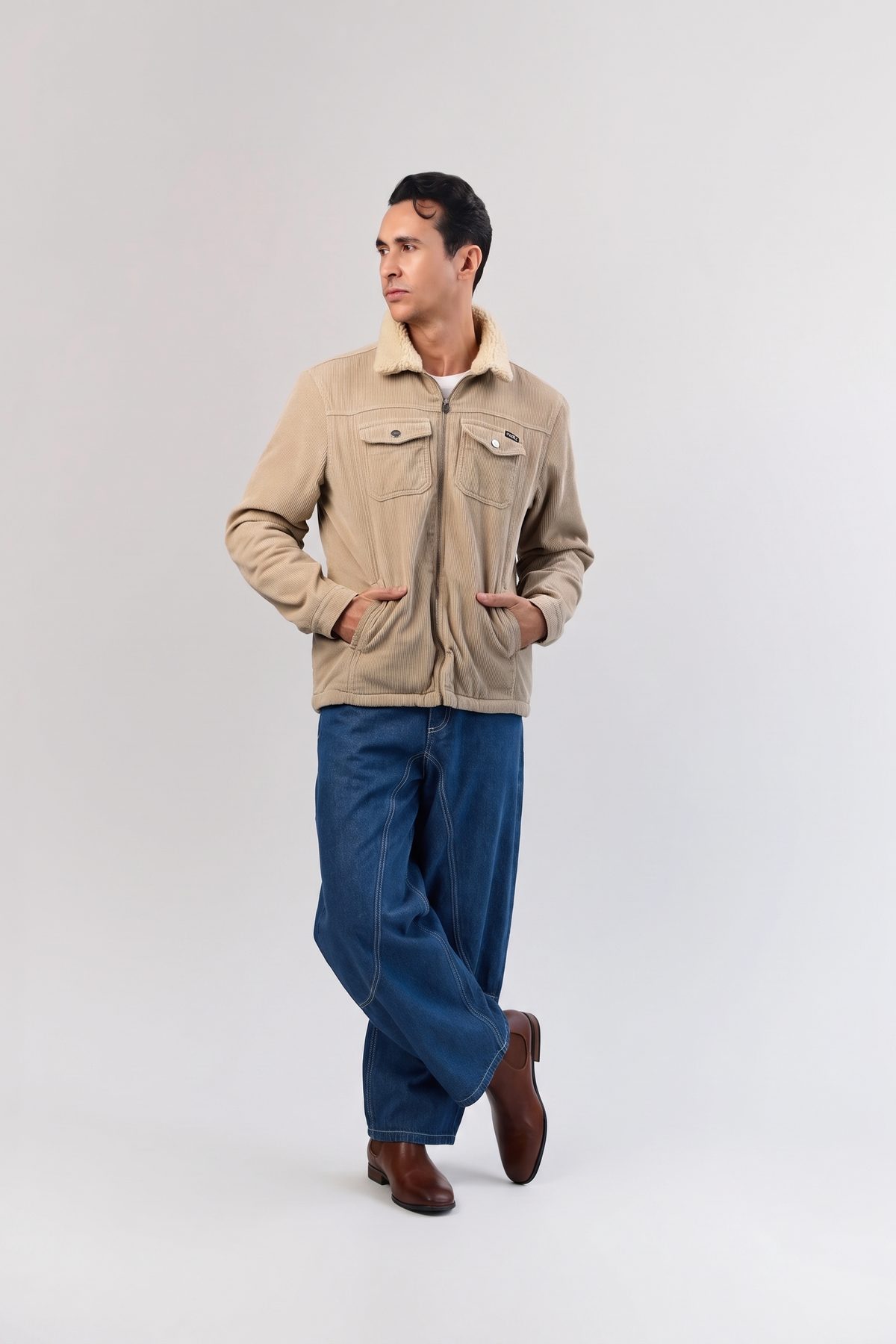
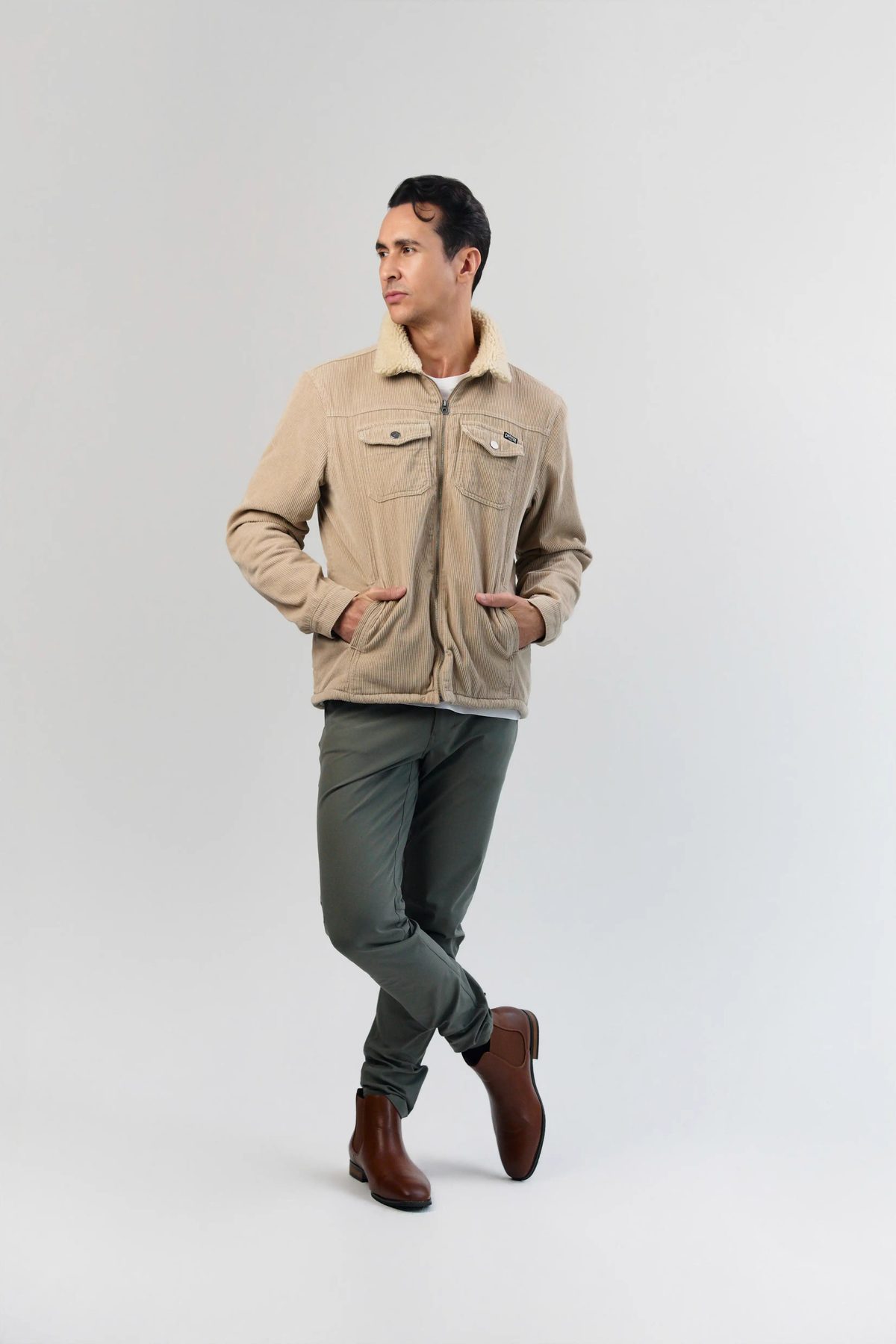
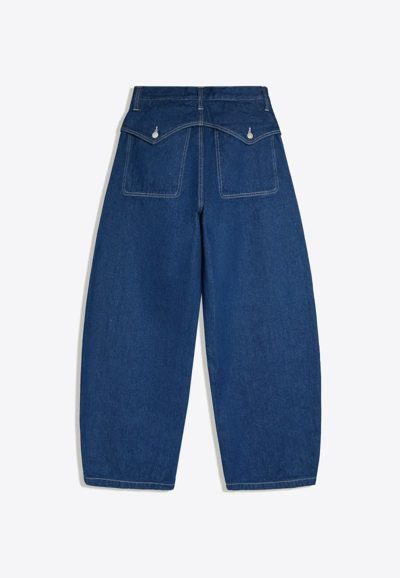
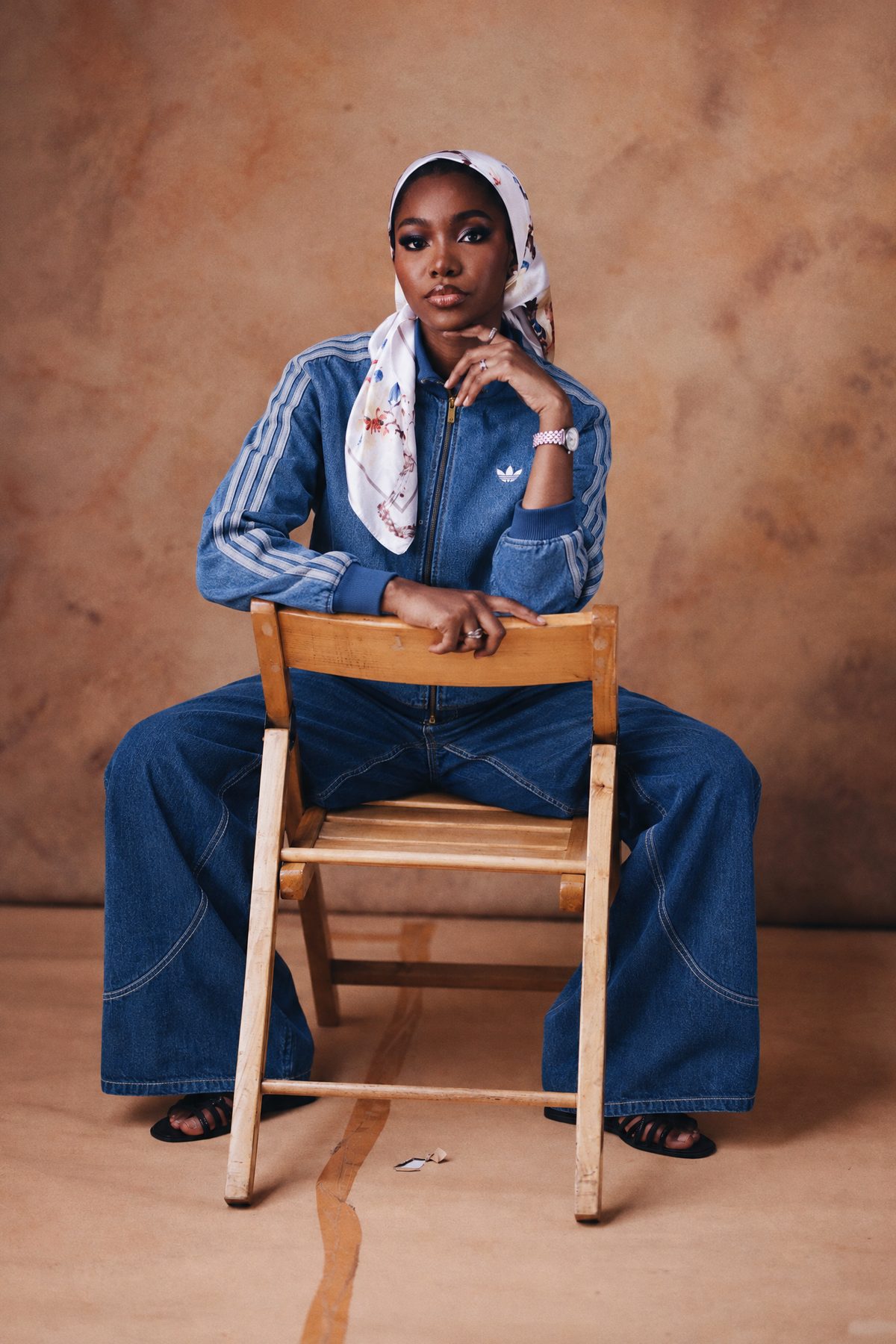
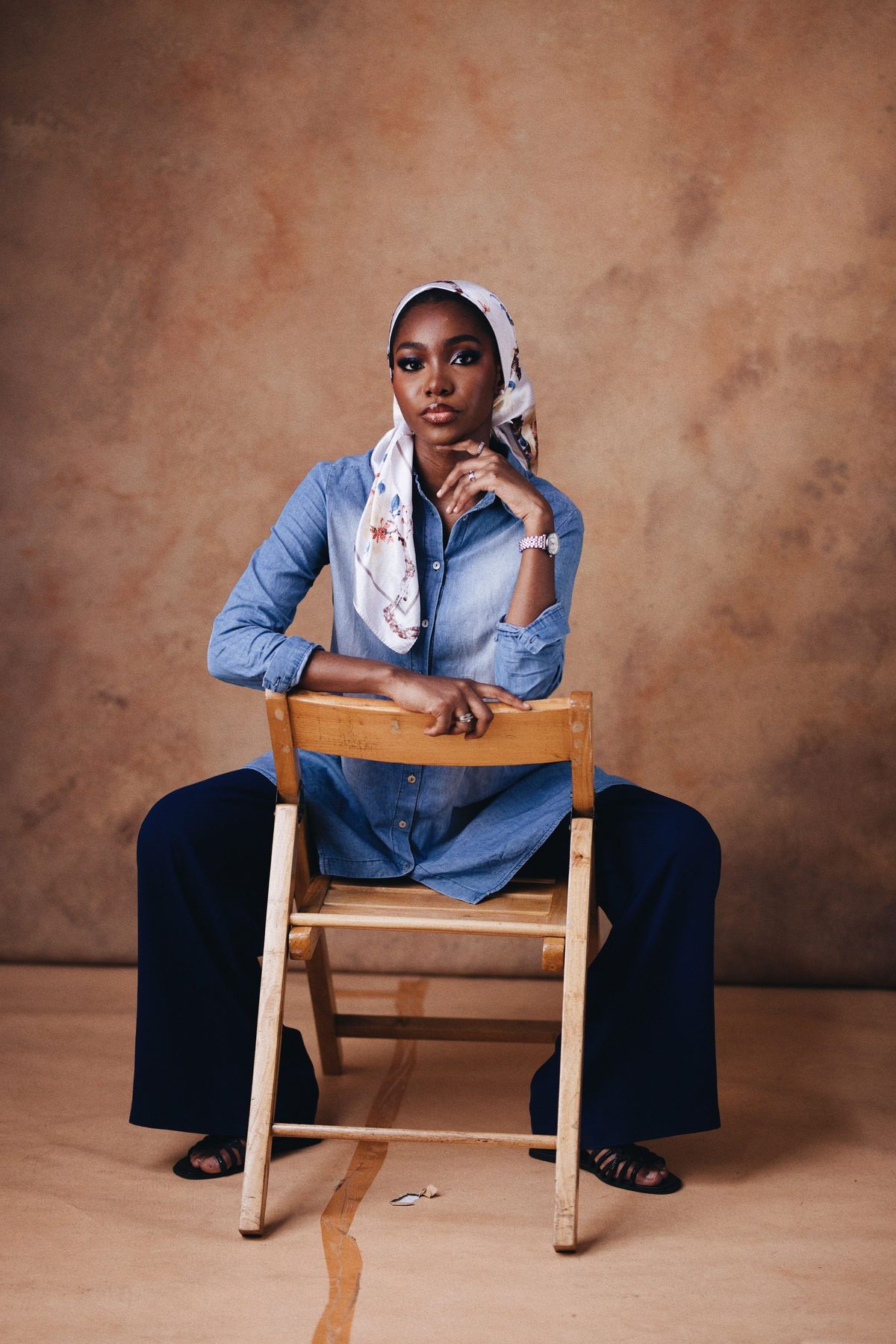
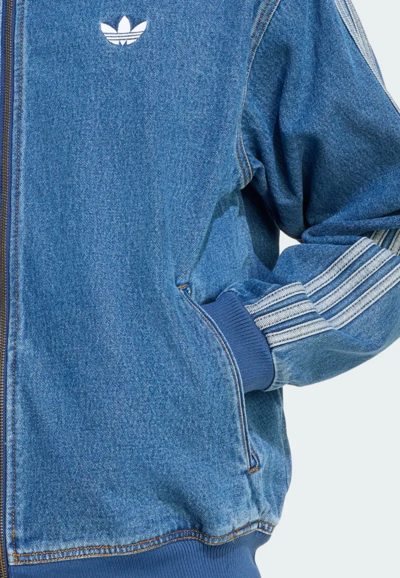
Product Swap
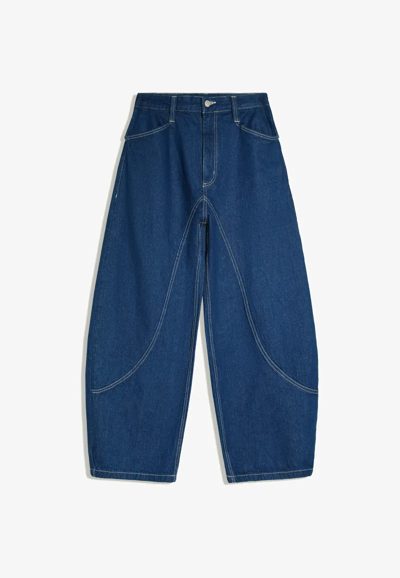
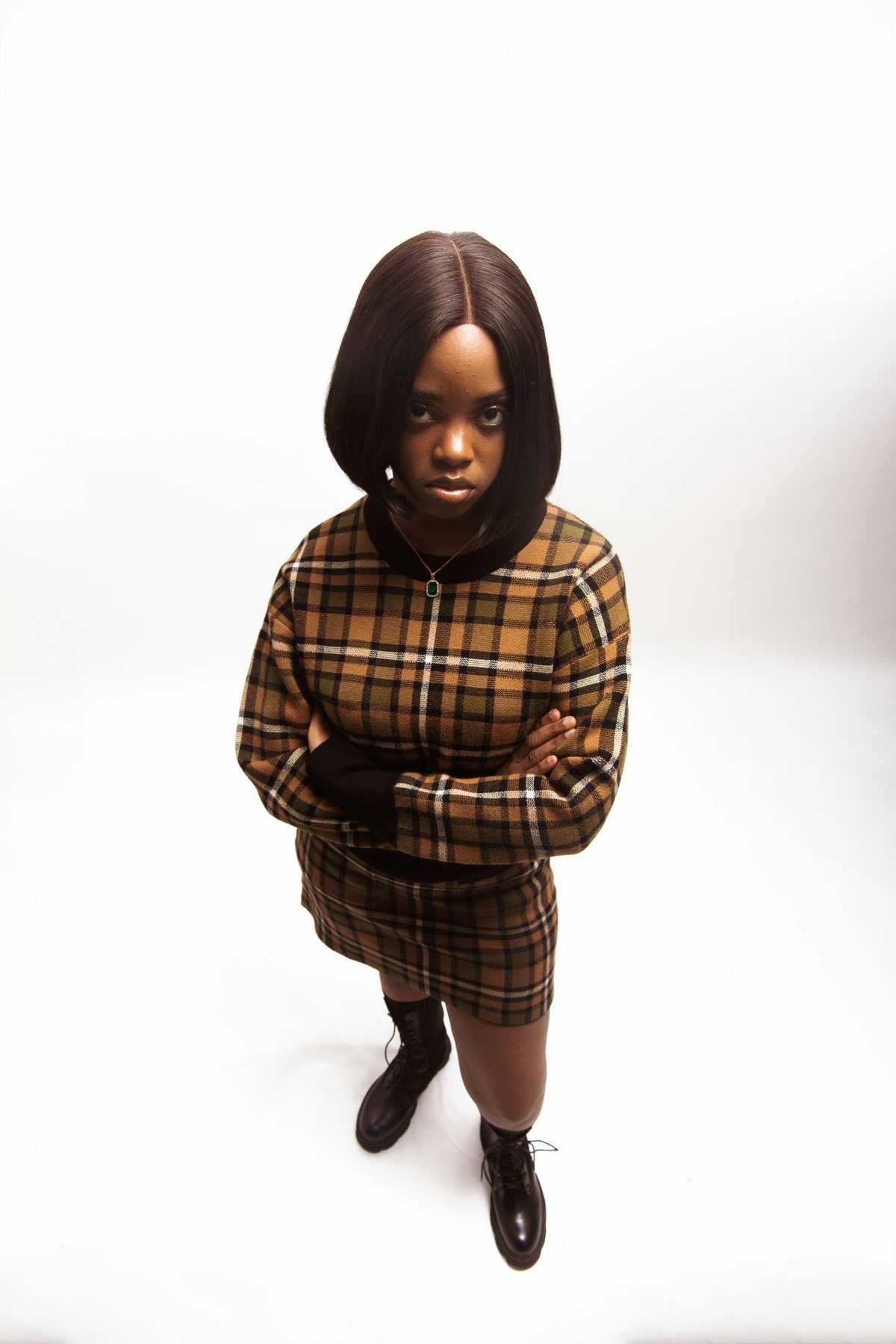
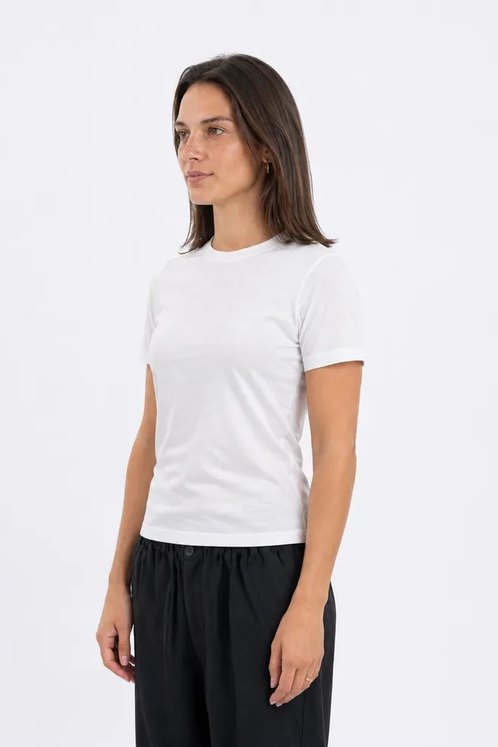
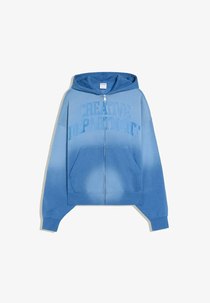
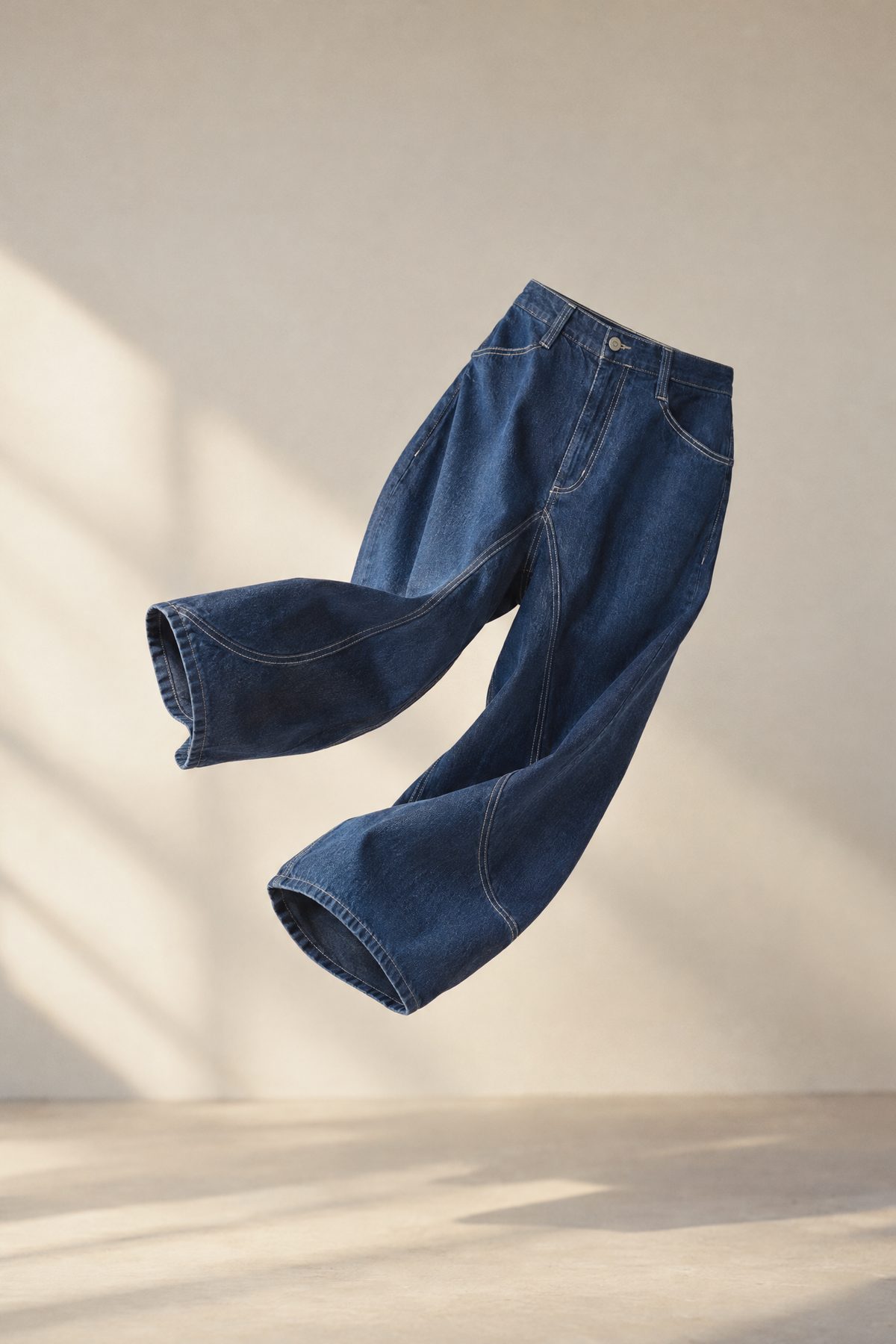
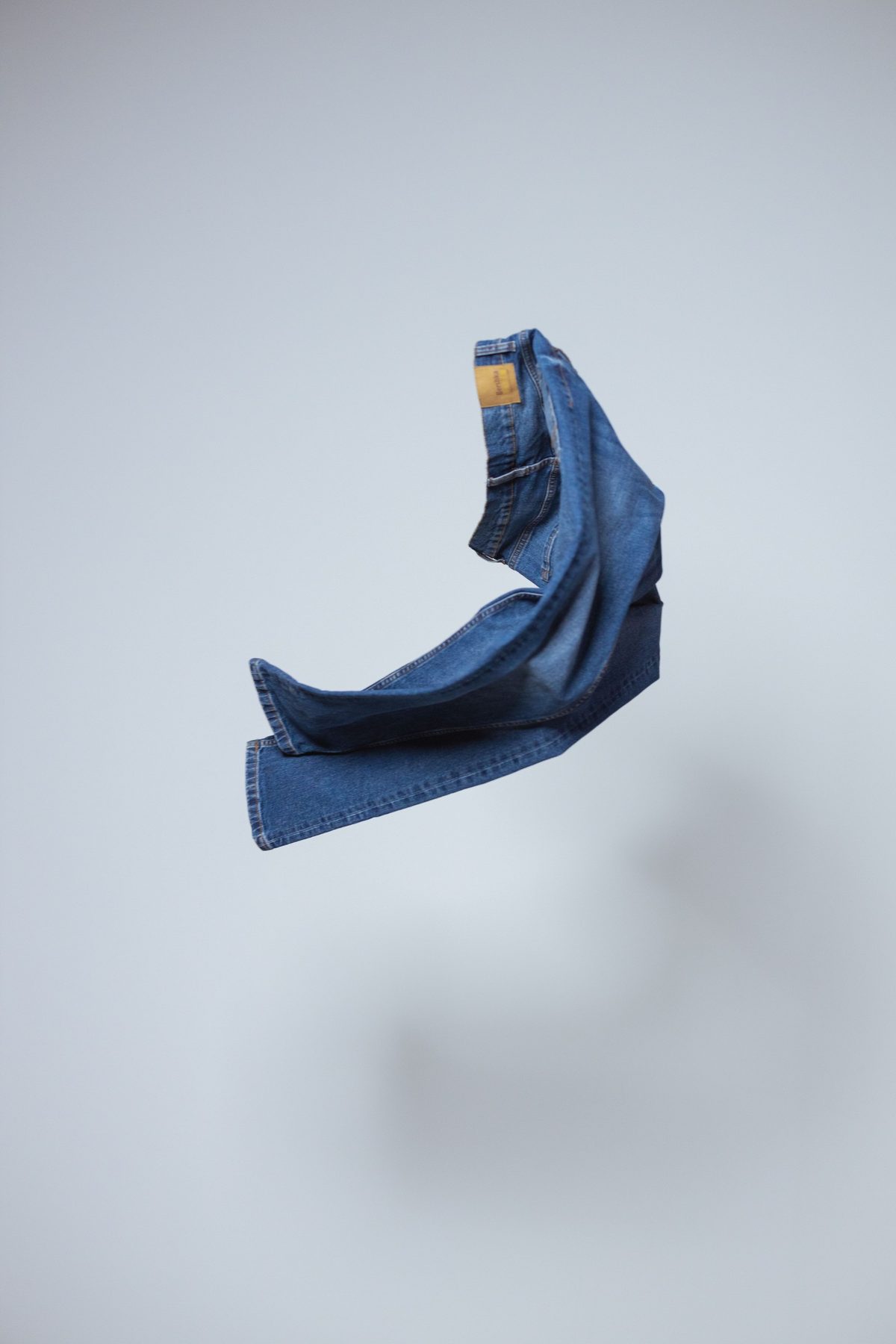
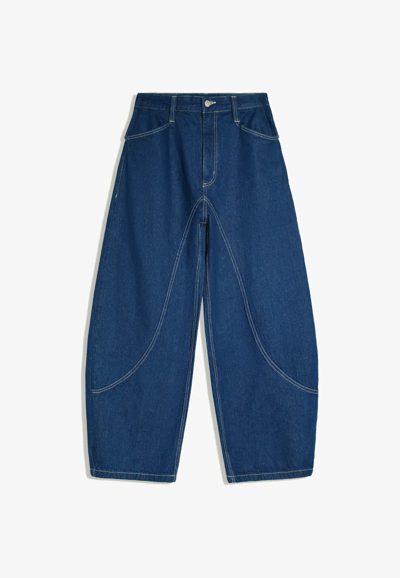
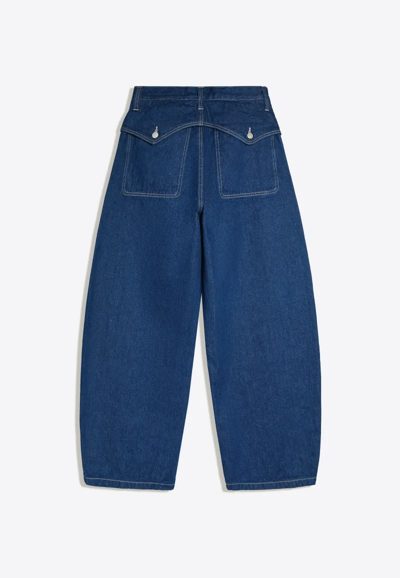
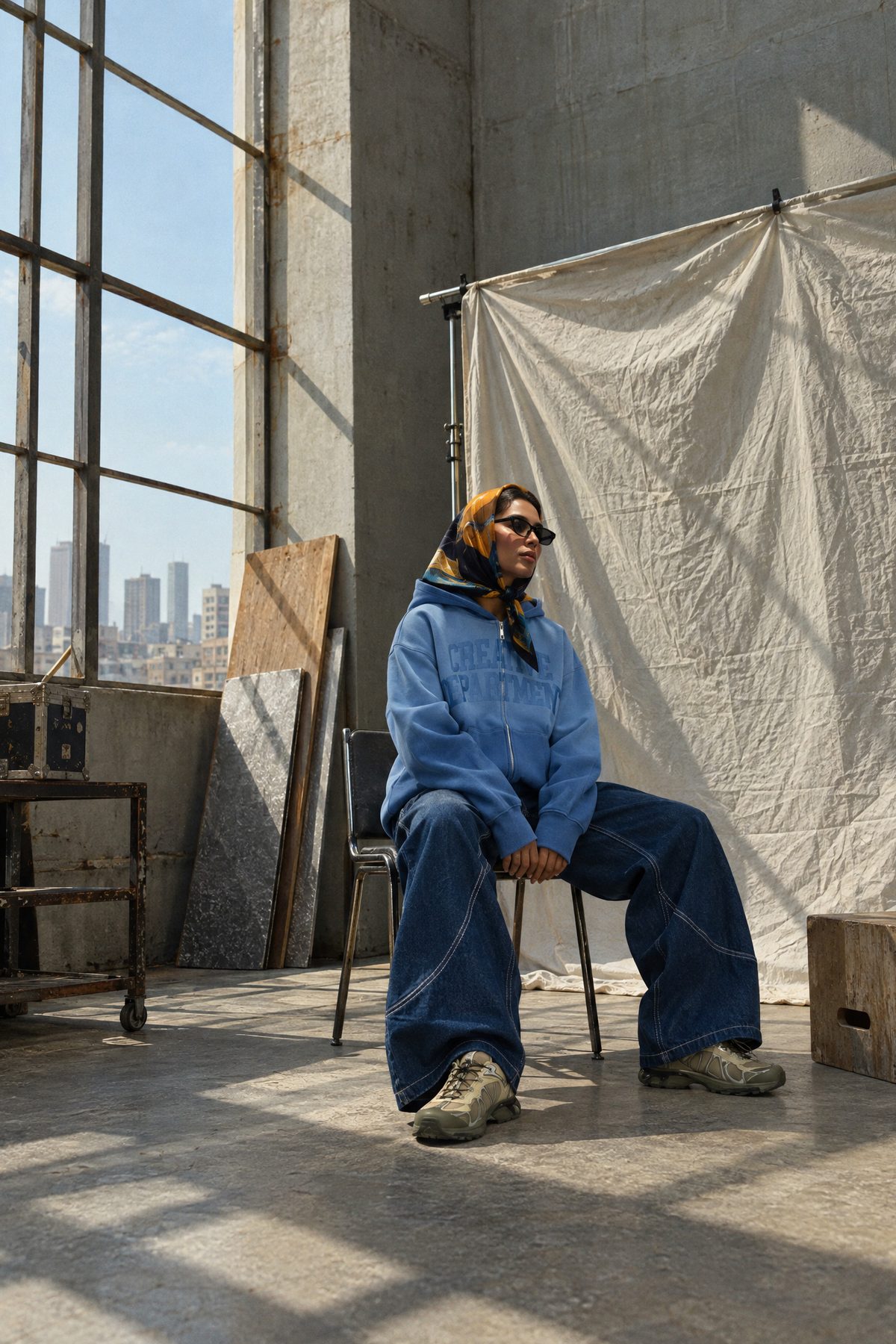
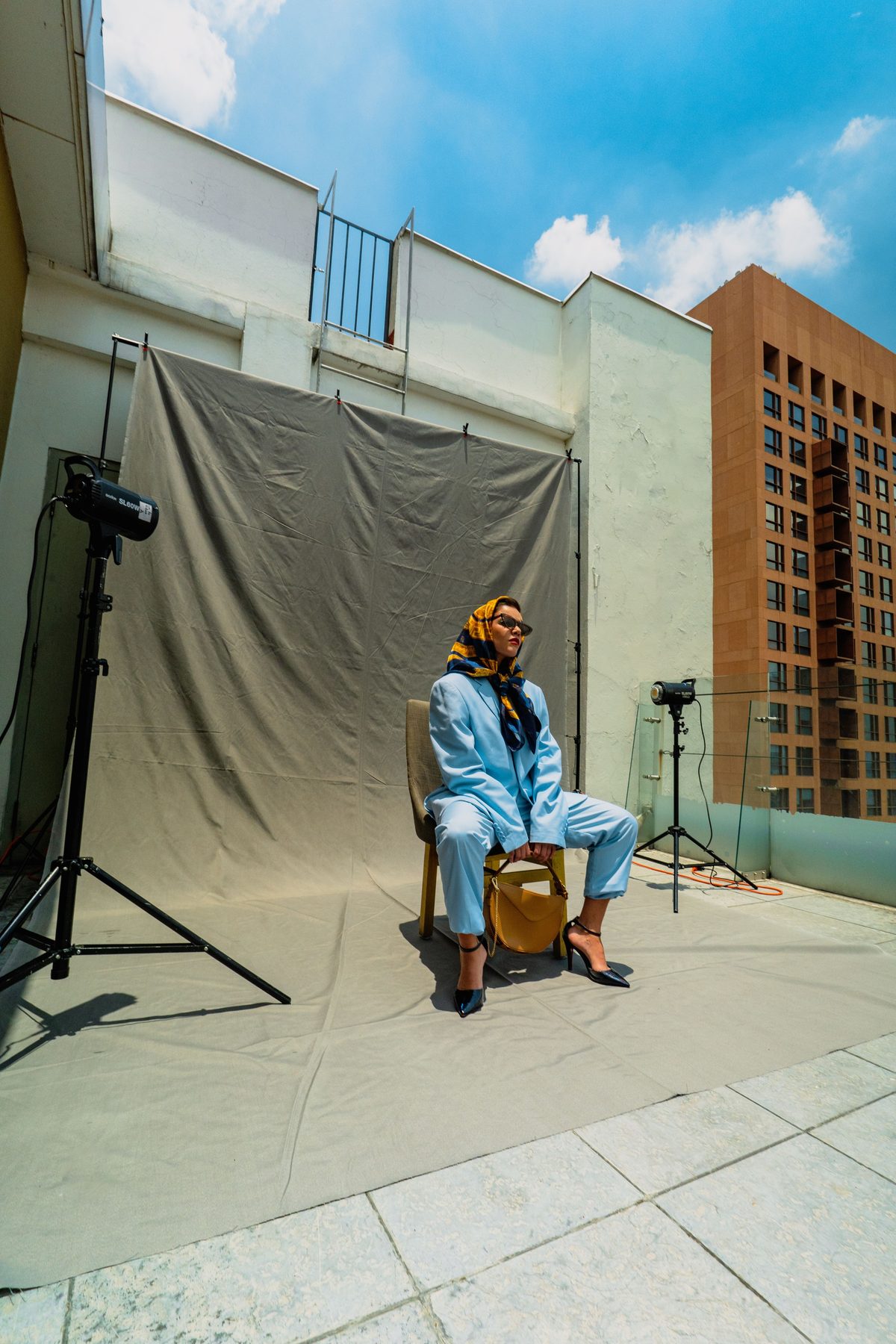
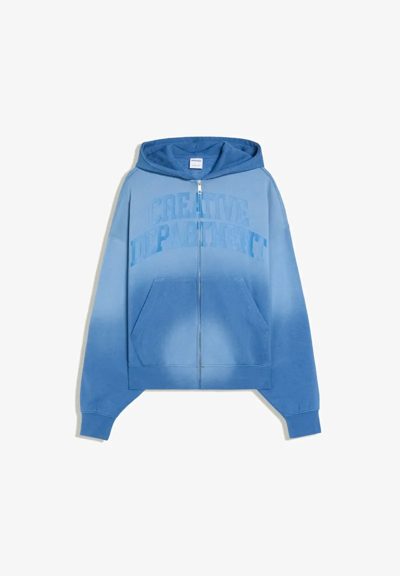
Put your product on the model.
Product Swap replaces a chosen product in an existing photo. It aims to keep the model, pose, setting and everything else unchanged.
Your products
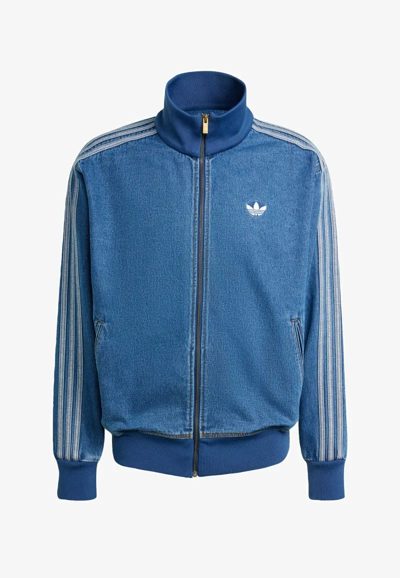
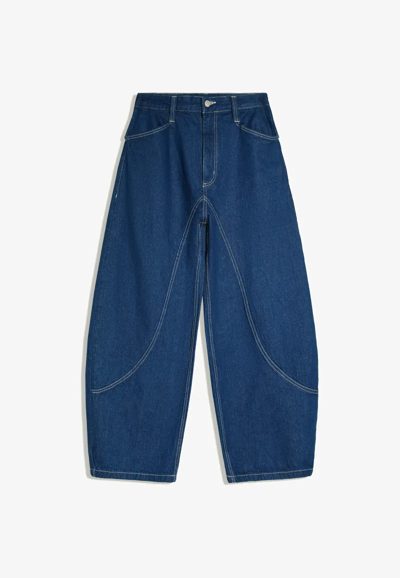
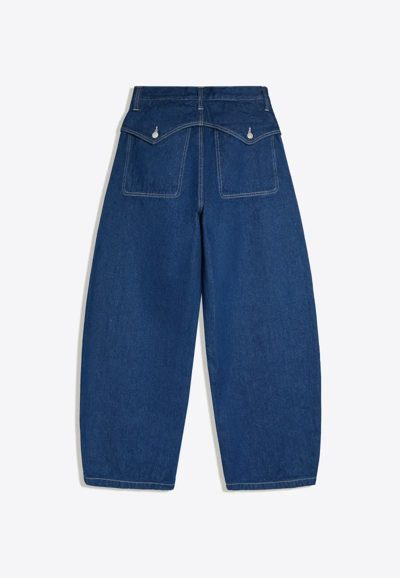
Swap studio
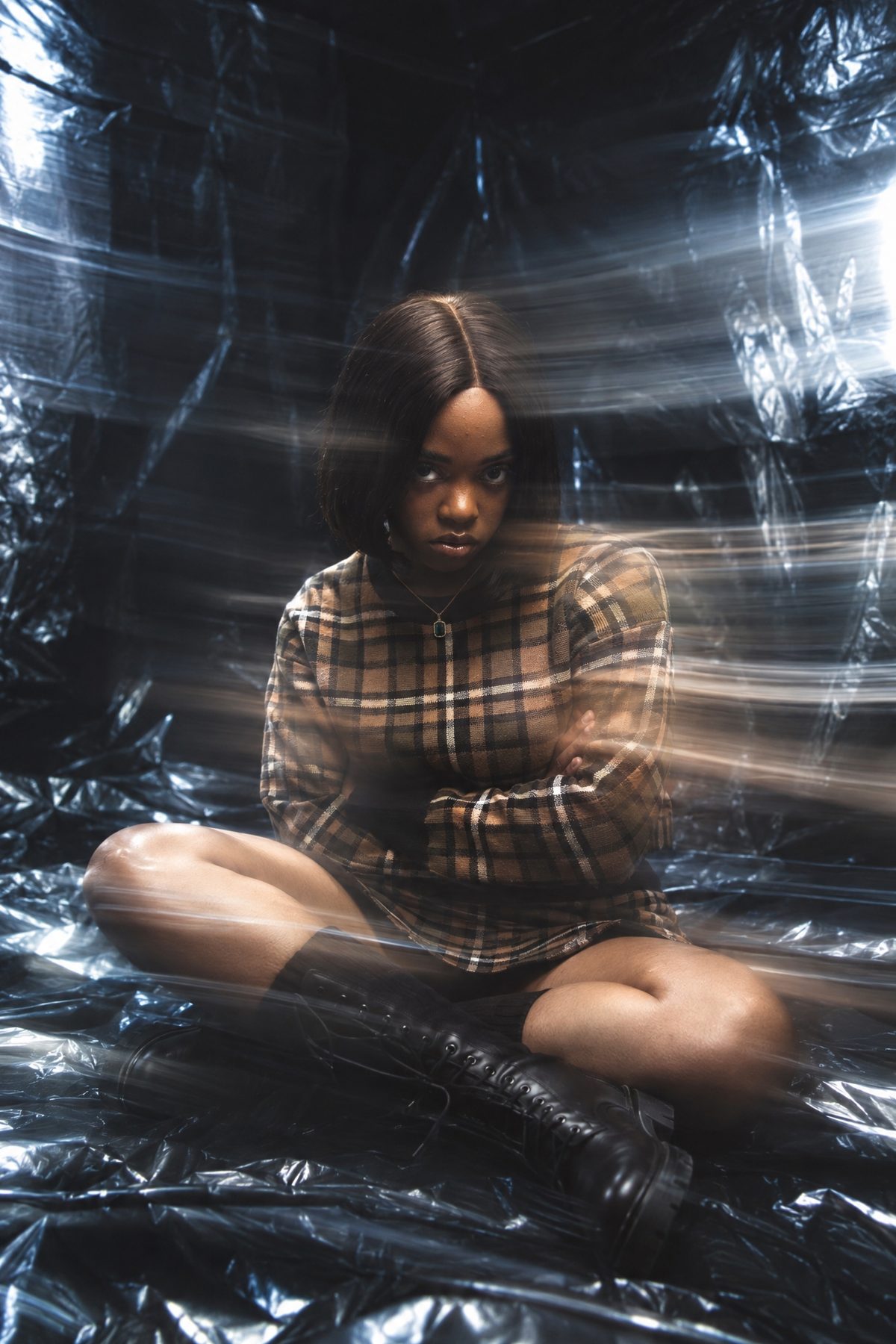
 OriginalExplore
Campaign
A series of campaign photos in a recipe's look.
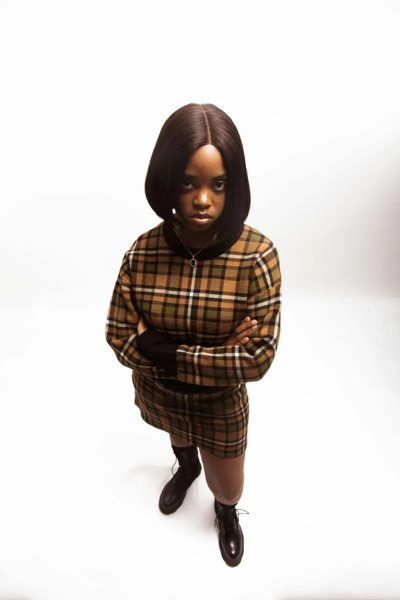
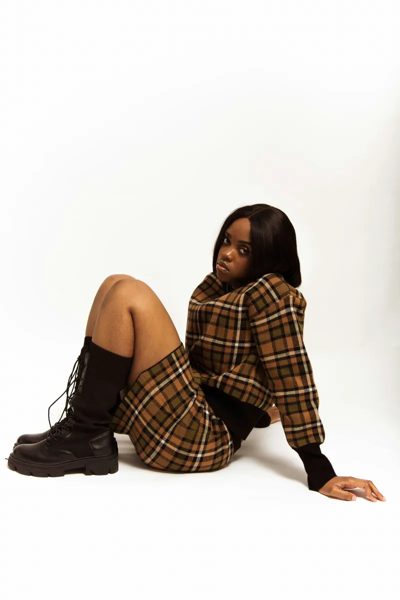
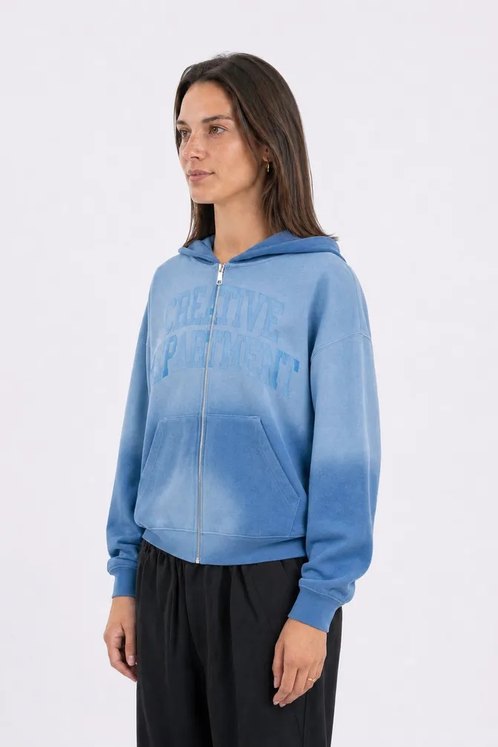
Campaign makes a coordinated series of campaign images from your model photos, your products and a campaign recipe that sets the look: light, setting, styling and mood.
- Free direction: original campaign photos in the recipe's style, each with its own planned pose, camera angle and composition.
- Change pose: each image re-photographs a recipe photo you choose, with your model in a new pose (Natural or Expressive).
- Keep the scene: your model replaces the person in a recipe photo; the pose and the whole scene stay.
Your photos
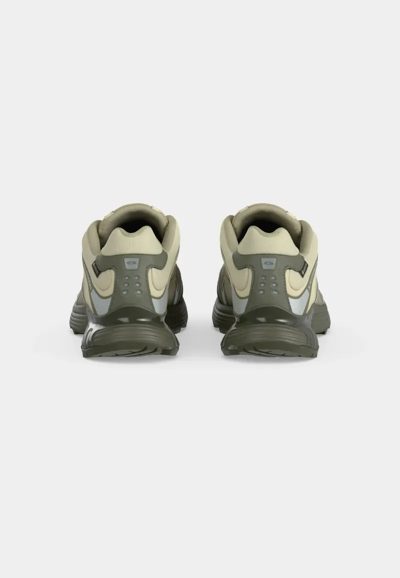
Choose swap quality
Every plan can use both. Explore to try things out, Studio for the images you publish.
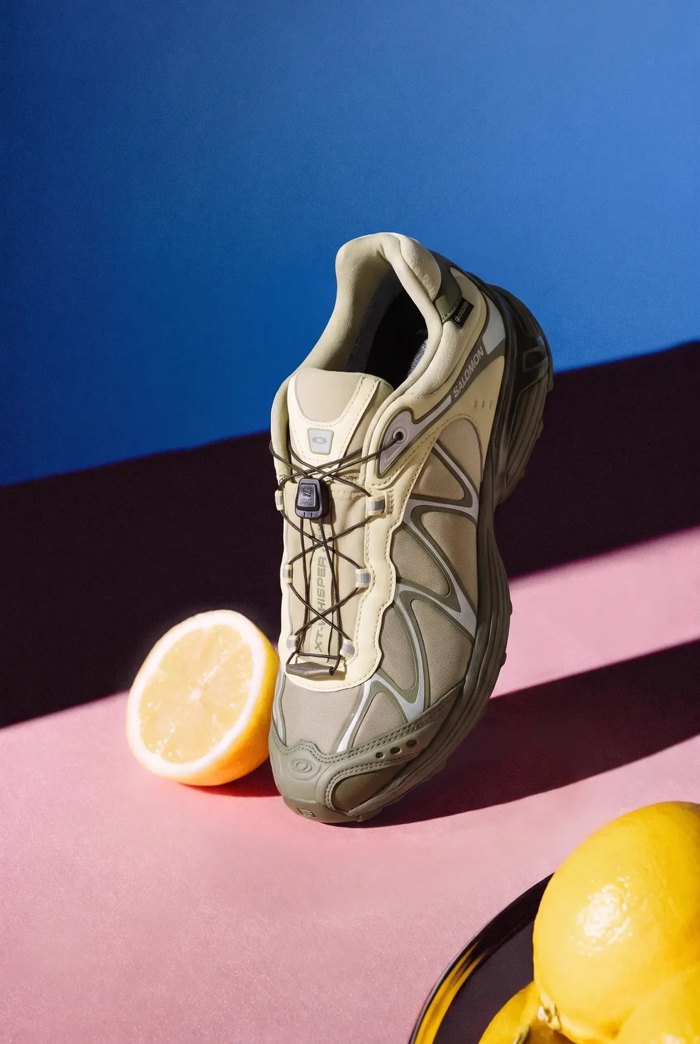
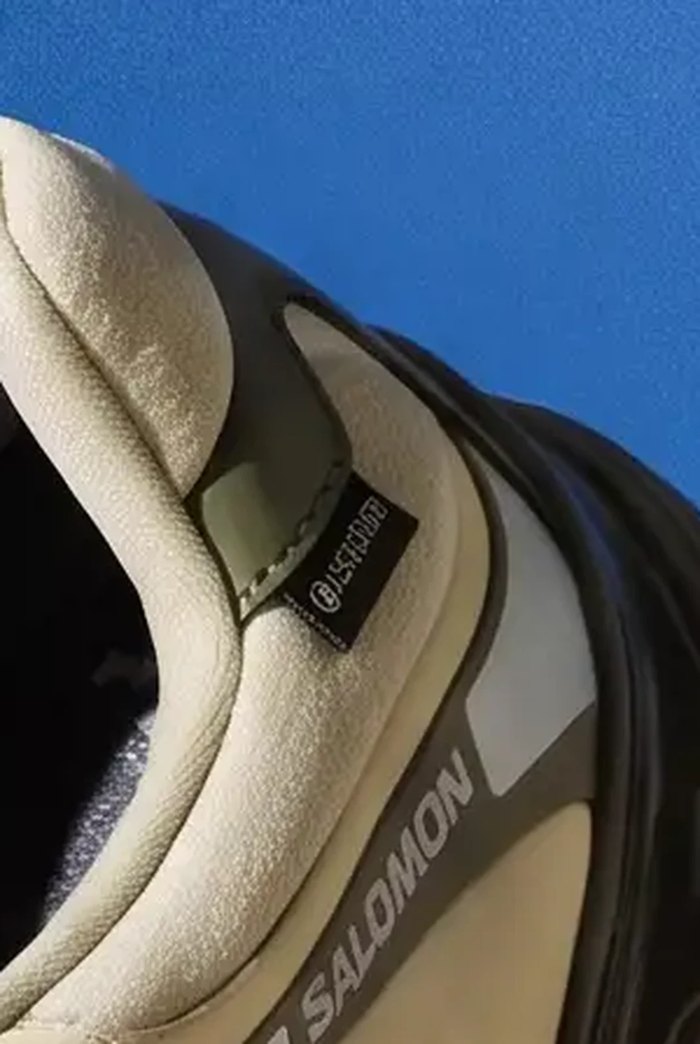 PhotoClose-up⇆
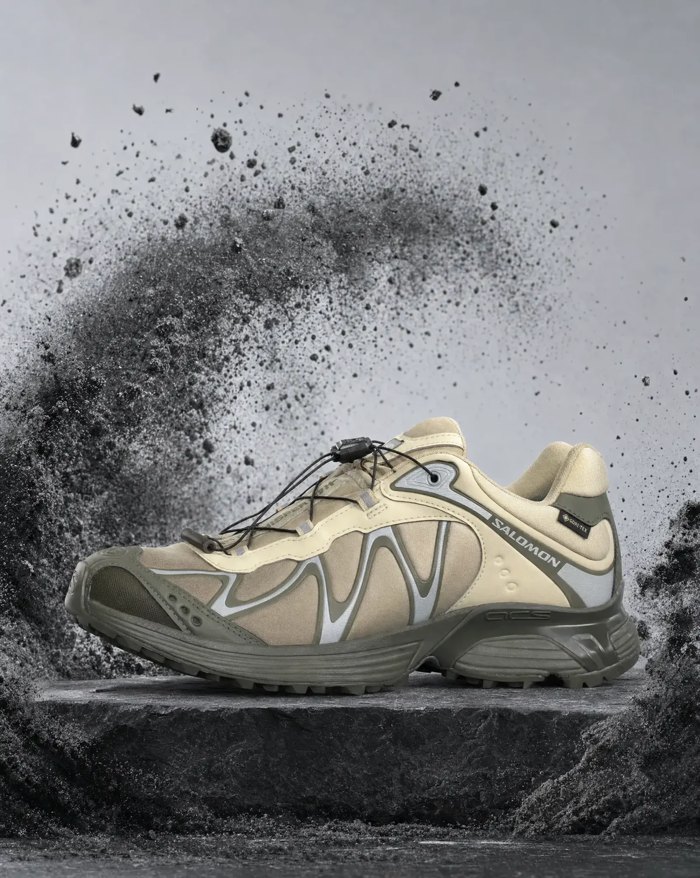
 PhotoClose-up⇆
Every image gets an automatic product check. Clearly wrong? Report it and get a free redo after review.
Join SwapThat this winter and get free credits
Sign up during our Winter promotion and get free credits on top of your plan.